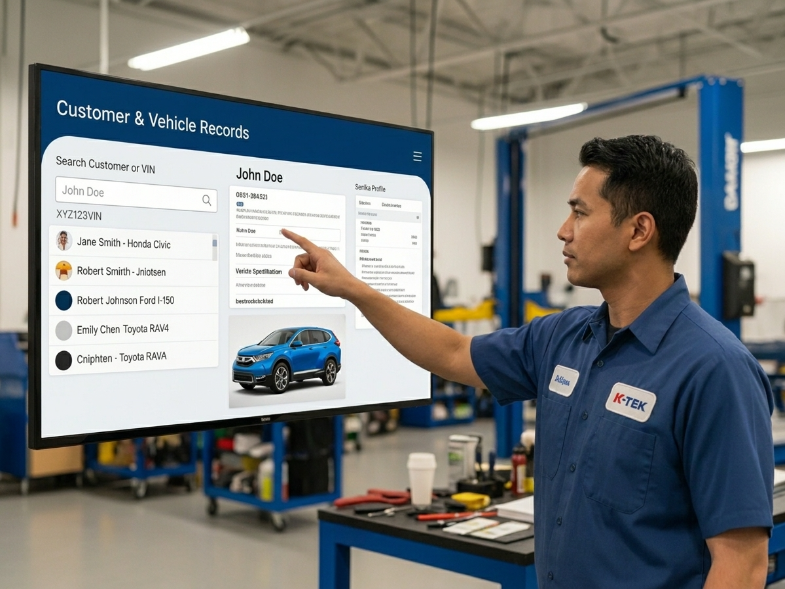
Customer and vehicle records
Staff can search customers, number plates, vehicle details and previous service information from one place.
This page explains the important Workshop System features in simple business language. The goal is not to show complicated software terms, but to help workshop owners see what the system can manage and how each feature improves daily operation.
Workshop System focuses on practical features that support the daily workflow: who the customer is, which vehicle came in, what job was done, what parts were used, how much was charged, what is unpaid and what should be followed up next.
Instead of listing technical functions, this section shows how the features fit into the way a car workshop actually runs every day.
The system is built for real day-to-day workshop operations. Here are some highlights a practical function and shows how it helps your business stay more organised, efficient and easier to manage.
Staff can search customers, number plates, vehicle details and previous service information from one place.

Job notes, parts, labour, expenses and repair progress can be recorded for better control.
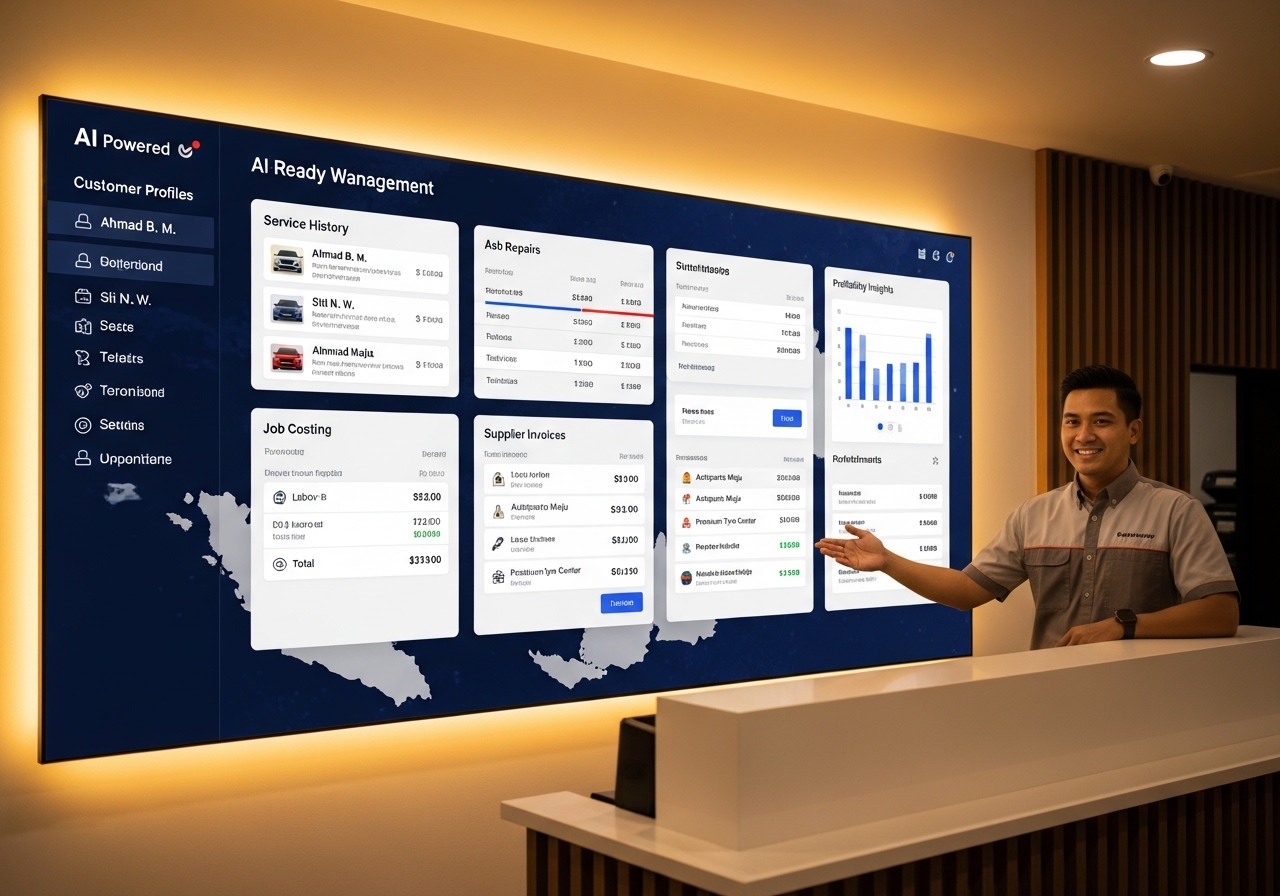
You can review daily jobs, payments, receipts, unpaid records and useful business information.
These features are written for workshop owners, managers and admin teams. Each one explains what the system helps manage and why it matters to the business.
Keep customer phone numbers, contact details, remarks and purchase history in one place so your team can find customer information faster without searching old notebooks or WhatsApp chats.
Faster customer lookupAttach multiple vehicles to one customer and save number plate, vehicle details, photos and remarks. Every repair record can be linked back to the correct car.
Clear vehicle historyCreate job sheets for inspection notes, repair requests, work progress and technician remarks. This helps admin staff and mechanics follow the same job information.
Cleaner job flowBuild a complete service history for each vehicle, including previous repair details, parts replaced, invoices issued and important remarks for the next visit.
Better repeat serviceRecord parts, labour, paint work, towing, outsource jobs and other expenses so owners can review the real cost behind each repair job.
Know job profitabilityOrganise spare part items, item cost, supplier reference and stock-related information so your team can check what was used and what should be reordered.
Easier part controlPrepare quotation, receipt or invoice records and connect them to customer and vehicle history. This makes it easier to explain charges and trace past transactions.
Connected billing recordsTrack payment history, partial payments and unpaid records. Useful for workshops that allow deposit, instalment or delayed payment arrangements.
Reduce missed collectionsUse appointment and reminder-style workflows to follow up bookings, next service visits, pending jobs, recurring maintenance and customer return visits.
Improve follow-upReview daily sales, receipts, payment records, item movement and job-related information so owners can understand what is happening in the workshop.
Better business visibilitySupport cloud-style access for reports and data syncing, with hybrid operation ideas for businesses that still need the system to work during internet interruptions.
More flexible operationAllow owners, admin staff, service advisors and counter staff to work with shared records instead of relying on one person’s memory or one computer file.
Less staff dependencyThe biggest value comes when the features are connected. Customer, vehicle, job sheet, invoice and report records should support one another, not sit separately in different files.
When a car arrives, staff can search or create the customer, then attach the correct vehicle profile. This reduces repeated data entry and helps avoid wrong vehicle history.
Inspection notes, repair details, technician remarks and job status can be recorded so everyone knows what is happening without asking around repeatedly.
Parts used, labour charges, outsource work and other costs can be entered into the job so the owner can understand the actual repair cost.
The billing record is connected to the customer and vehicle. This makes it easier to reprint, check payment history and explain previous charges later.
If the customer has partial payment, unpaid balance or future appointment, the system helps keep it visible for admin and owner review.
The next time the same vehicle returns, staff can check old service records, parts changed, remarks and invoice history before advising the customer.
The features are useful because they solve operational problems: missing records, unclear costing, slow customer lookup, weak follow-up and limited owner visibility.
Search by customer, number plate, receipt or service record instead of checking paper files, Excel sheets and old message threads.
See what was spent on parts, labour and extra expenses so the business can reduce undercharging and improve profit awareness.
Important records stay inside the system, so owners do not need to depend only on one staff member’s memory.
When staff can explain previous repairs, parts changed and invoice history clearly, customers feel the workshop is more professional.
Appointments, reminders, pending jobs and unpaid records become easier to review instead of depending on memory.
Reports help the owner review sales, payments, item usage and job activity before making decisions about pricing, staff and stock.
This comparison helps visitors quickly understand why the features are useful without needing a technical explanation.
AI is only useful when your records are clean. By organising customers, vehicles, job sheets, invoices, payments and service history properly, the workshop builds a stronger base for future smart search and better reporting.
Support flexible operation needs, including online reports and syncing concepts while keeping daily operation practical for workshops.
Useful for owners who want easier access to selected records and reports when the system is connected online.
For businesses that need invoice-related compliance support, the system foundation can support proper receipt and invoice records.
The page should sell confidence: the system is not just features, but a workflow that your team can learn and use daily.
Share how your workshop currently handles customer records, vehicle history, job sheets, spare parts, payments and reports. We can show the most useful features for your daily operation.
Request Feature Demo