Vehicle history is hard to trace
A returning customer asks what was repaired last year, but the answer is hidden in old invoices, staff memory, WhatsApp chats or paper job cards.
A busy workshop is not only about repairing cars. Owners need to know which vehicle is in progress, what parts were used, how much the repair really cost, who has paid, which job is still pending and when the customer should come back. Workshop System turns daily repair work into a structured flow your team can follow.
The problem is not that staff are not working. The problem is that customer details, number plates, parts used, supplier bills, payment records and repair notes are often kept in too many places. When records are scattered, profit leaks quietly.
A returning customer asks what was repaired last year, but the answer is hidden in old invoices, staff memory, WhatsApp chats or paper job cards.
Parts, labour, towing, paint work, sub-contractor cost and extra expenses are not always reviewed together, so some jobs look profitable but are not.
Service reminders, warranty follow-ups, unpaid jobs, pending collection and repeat maintenance opportunities can be missed when there is no system reminder flow.
The BMO system idea is adapted into a workshop workflow: contact list becomes customer database, job sheet becomes repair record, item cost becomes parts and labour costing, receipt list becomes invoice and payment tracking, and reports become owner visibility.
Store customer name, phone, company details, remarks and contact history so your team can search the customer before starting any repair or quotation.
Attach multiple vehicles to one customer. Save number plate, model, mileage, photos, insurance or important remarks so every job is linked to the correct vehicle.
Create a job sheet for inspection notes, customer complaints, technician remarks, work progress and completed work. This gives staff one shared reference point.
Add spare parts, item cost, labour, outsourced work, towing, paint work or other repair expenses so the owner can review the real cost before closing the job.
Prepare quotation, convert confirmed work into invoice or receipt, record partial payment, multiple payment methods and unpaid status for clearer collection control.
Completed jobs become vehicle history. Your team can check past repairs and plan follow-up for next service, pending payment, warranty or recurring maintenance.
Workshop System should help owners answer important questions quickly: Which jobs are not completed? Which customers have not paid? Which vehicle returned many times? Which repair cost more than expected? Which parts are frequently used? Which staff or service advisor handled the job?
Important workshop knowledge stays in the system, not only in one senior staff member’s memory.
When the same vehicle returns, your team can view past repairs and give a more professional answer.
Filter paid, unpaid, partial payment and pending records instead of manually checking every receipt.
Use reminders for service follow-up, renewal, recurring maintenance and customer return visits.
Use actual screenshots here when ready. The content below tells visitors what each screen helps them control, instead of only showing generic software images.
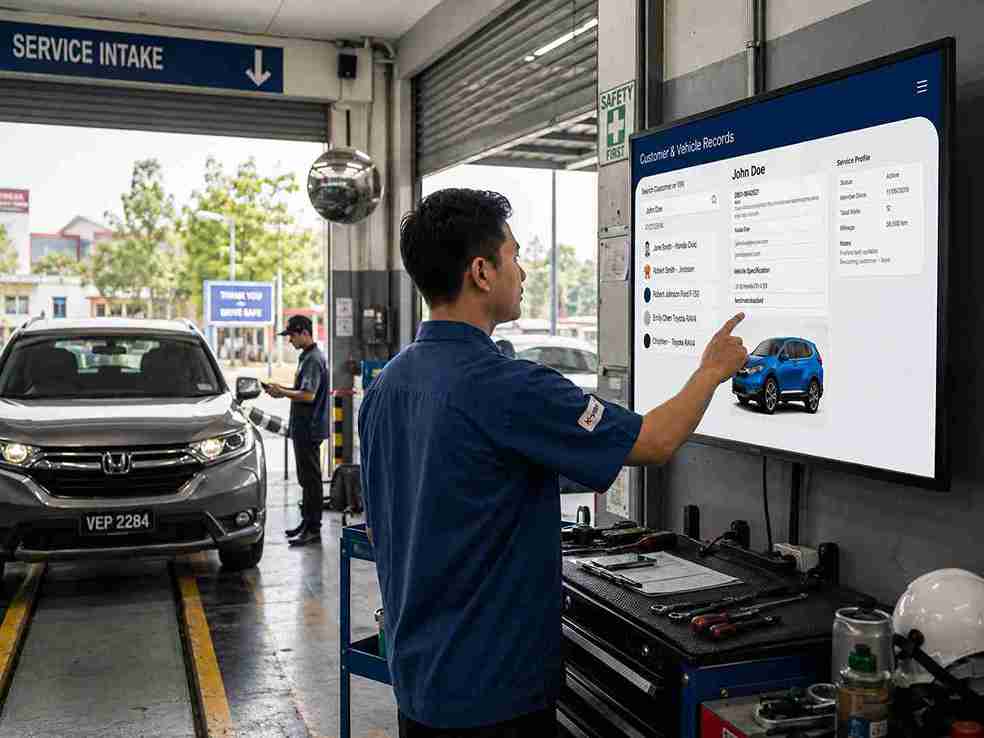
Useful for front desk staff, service advisors and owners who need to quickly check previous repairs before quoting a new job.
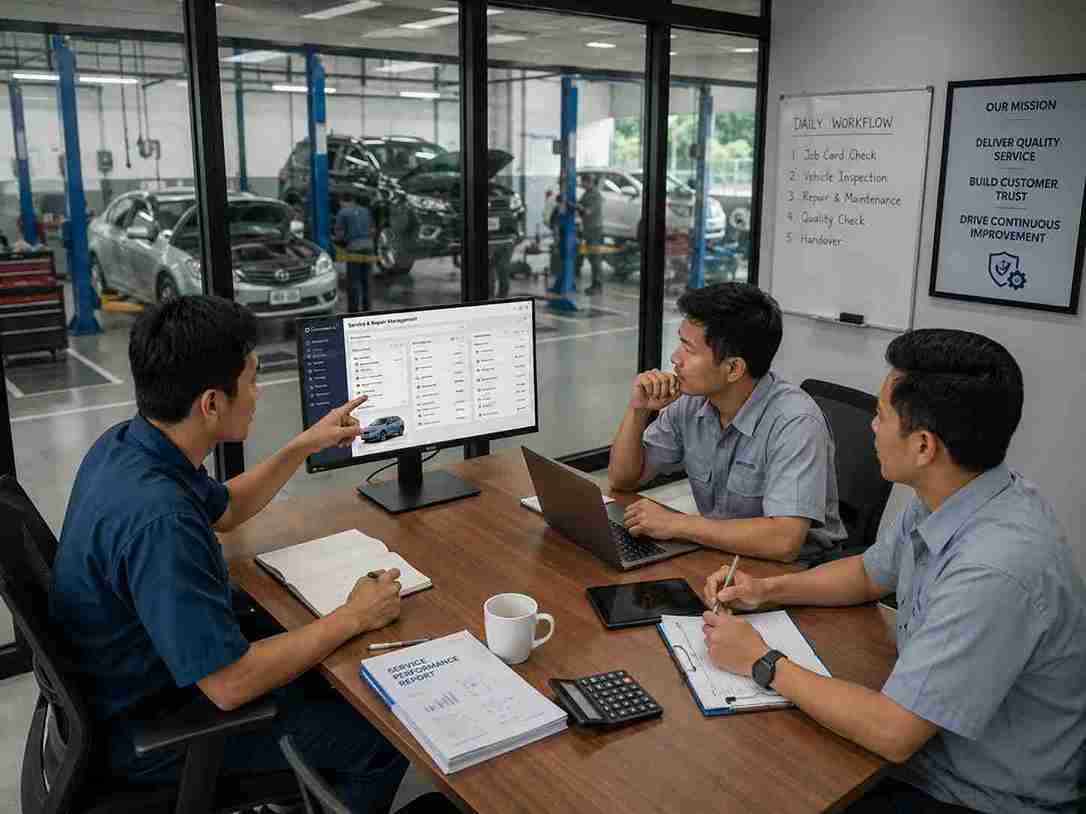
Helps the workshop keep inspection notes, repair progress, spare part references and job costing together in one place.

Gives the owner a clearer view of collections, completed work, pending jobs, service activity and business performance.
The guide shows functions such as contact list, quotation, receipt list, payment history, item cost, stock, reminders, reports and cloud access. For workshop owners, these ideas become a complete daily operation system.
Manage customer details, company contacts, purchase history and remarks so staff can serve repeat customers faster.
Create quotations for repair work before the customer confirms. Once approved, the job can move into invoice and payment flow.
Similar to BMO job sheet logic, one customer or vehicle can keep multiple repair records that can be filtered for history.
Record item cost, selling price, frequently used parts and physical stock control where needed for better repair costing.
Support real workshop situations where customers pay deposit first, settle balance later or use different payment methods.
Use reminder-style workflows and report visibility to follow up payment, service dates, pending cases and daily operation summaries.
When customer, vehicle, job sheet, item cost and payment data are properly recorded, reports become meaningful. Owners can stop guessing and start managing.
Review opened jobs, completed jobs, daily invoice value, collections and pending work without asking every staff member individually.
Trace payments by cash, bank transfer, card or other methods. Keep payment history attached to the job and customer record.
Record who handled the job so owners can review service activity, commission reference or staff performance more clearly.
Use item and supplier references to check parts used, purchase cost and frequently required repair items.
For Malaysian businesses preparing for e-invoice workflows, proper customer and invoice records make future compliance easier to organise.
With cloud or hybrid setup, owners can access important reports and synced business data more conveniently when they are away from the counter.
This is the clearest buying reason: the system does not only make records neater. It helps the owner protect profit, reduce confusion and create a more professional customer experience.
Some workshops need local stability. Some owners want cloud access. Some want both. The system concept supports practical business operation instead of forcing every workshop to work the same way.
Useful for workshops that need counter operation to continue even when internet access is unstable.
Owners can access reports and important business information online when cloud setup is enabled.
Sync local operation data online so the workshop has a practical balance between daily counter use and cloud reporting.
When a customer sees that your team can find vehicle history, explain charges clearly, issue proper documents and follow up service professionally, the workshop looks more trustworthy. That trust helps improve closing, repeat visits and customer confidence.
Search service history and job details quickly when customers ask about previous repairs or charges.
Reduce missing information by keeping job notes, costs, payments and vehicle records inside one workflow.
When one advisor is unavailable, another staff member can continue the job with proper notes and status.
Structured records make it easier to prepare for AI-ready searching, reporting and business analysis later.
Share how your workshop currently manages customer records, vehicle history, quotations, job sheets, parts cost, invoices and unpaid payments. We can show you how the system flow can be adapted to your daily operation.
Request Workshop System Demo